Request a stock update

Specifications
Full technical breakdown of the EDS TT wireless electronic groupset.
What's in the Box
×1 pair
SW-TT7110 Bar-End Aerobar Shifters (L+R)
×1 pair
BL-TT7110 Base Bar Brake Levers with Shift Buttons (L+R)
×1
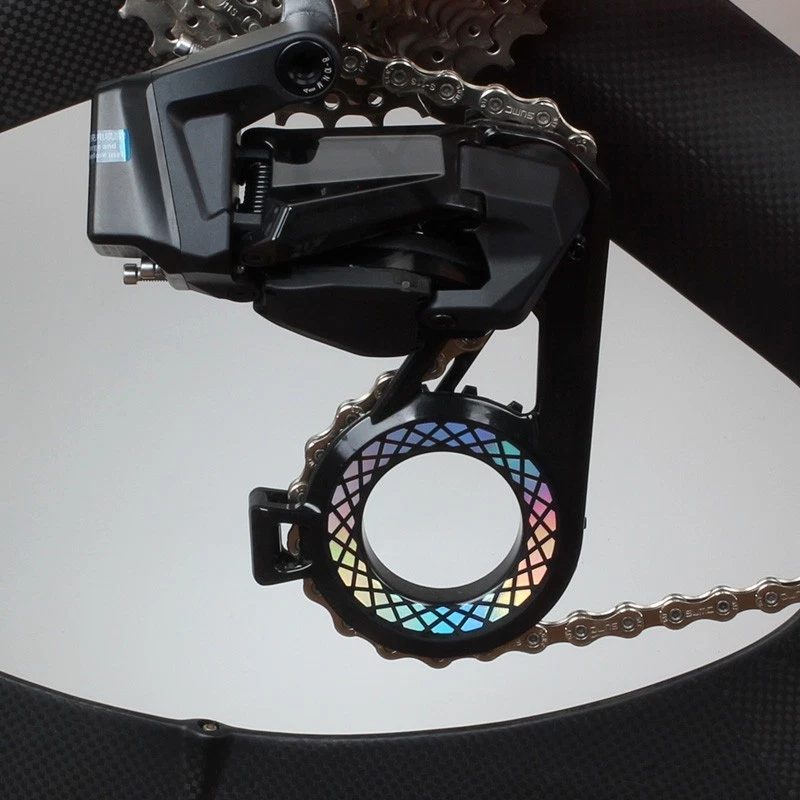
EDS TX Electronic Rear Derailleur — Carbon Fiber Oversized Pulley Cage
×1
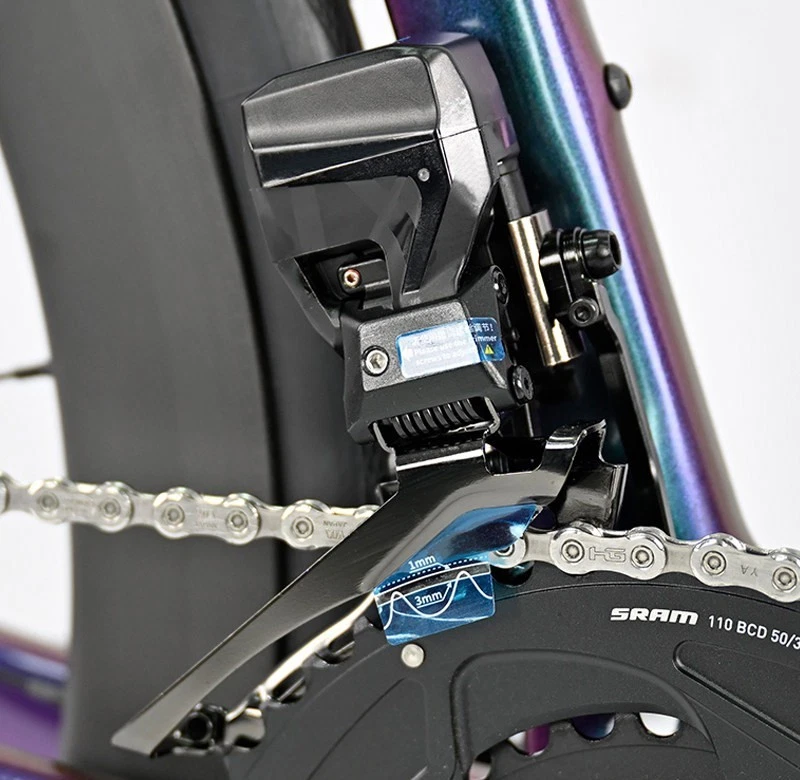
EDS TX Electronic Front Derailleur
×2
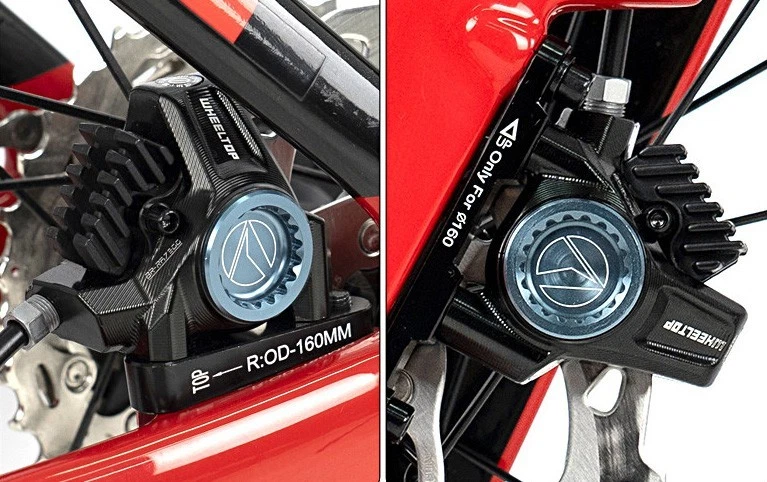
Hydraulic Disc Brake Calipers (Front + Rear)
×2
Pogopin Magnetic Charging Cables (RD + FD)
×1
Spare Parts Kit + User Manual
Compatibility & Buyer Notes
Please review the following before purchasing to ensure correct fitment.
TT / Triathlon Bikes Only
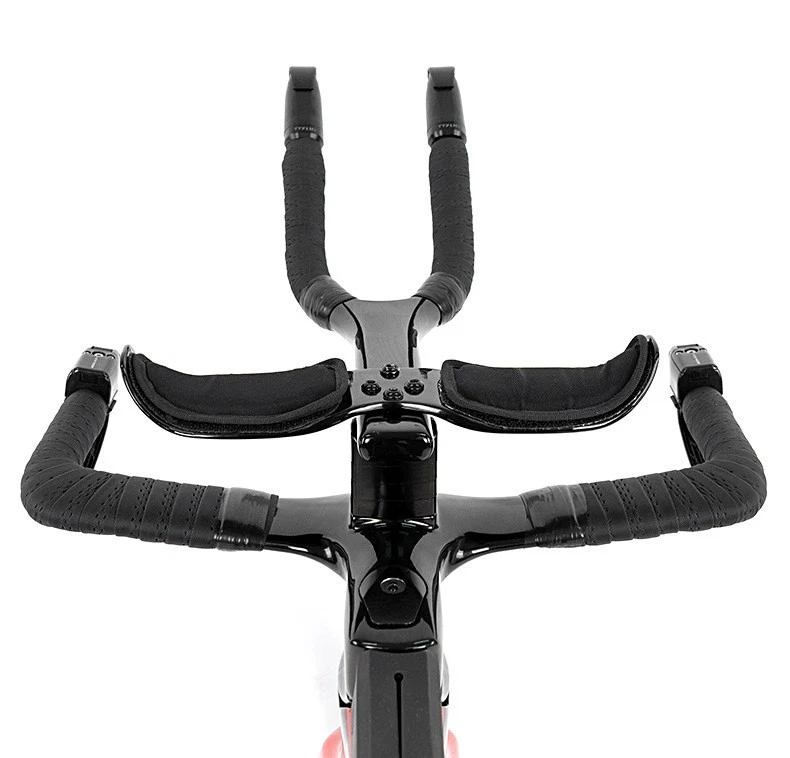
Designed specifically for TT and triathlon bikes with aerobar extensions. The SW-TT7110 mounts at the aerobar tip (Φ19.5mm); the BL-TT7110 mounts on the base bar (Φ21mm). Not intended for drop-bar road bikes — use EDS TX for those.
Verify Aerobar Tip & Base Bar Diameters
SW-TT7110 requires aerobar inner diameter of Φ19.5±0.5mm. BL-TT7110 requires base bar diameter of Φ21±0.5mm. Confirm your cockpit dimensions before ordering.
Confirm Cassette & Caliper Mount Type
Rear derailleur supports max sprocket 30-36T across 3-14 speed cassettes. Confirm your cassette falls within this range. Also confirm your frame and fork's disc brake caliper mount type and rotor size before ordering.
App Pairing Required Before First Ride
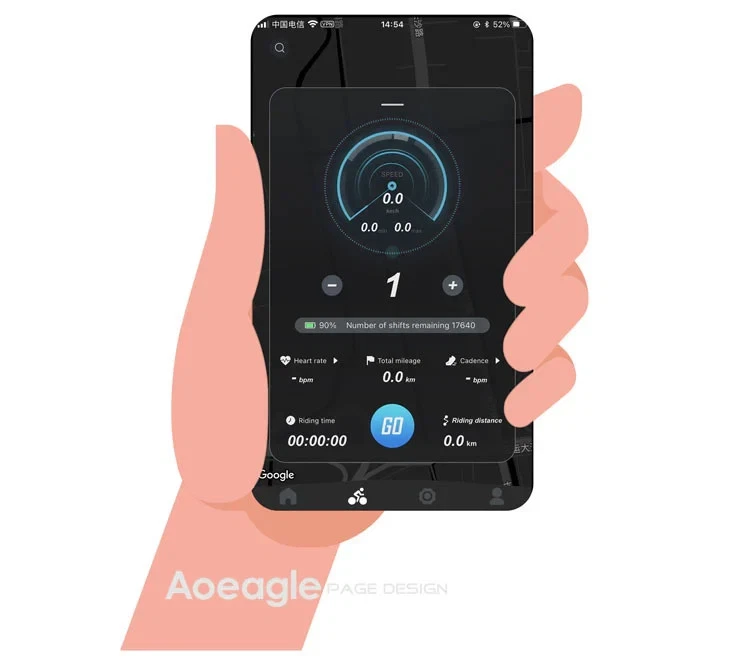
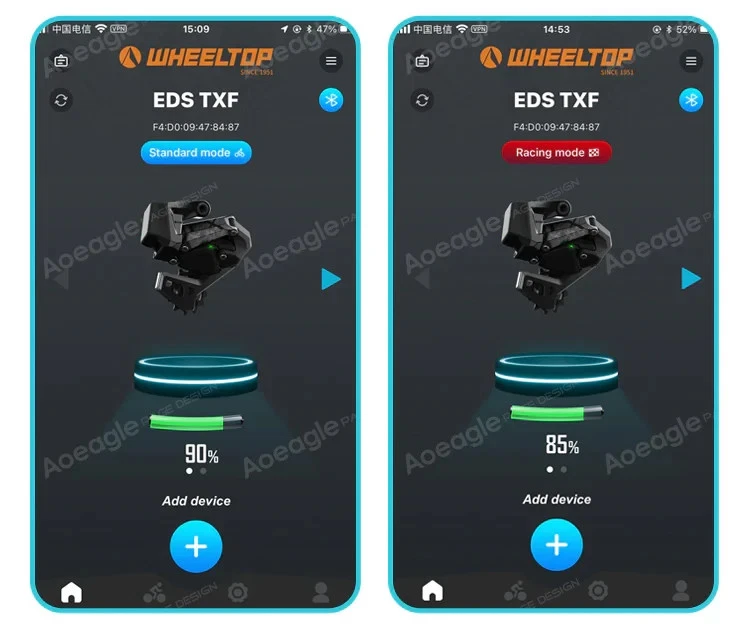
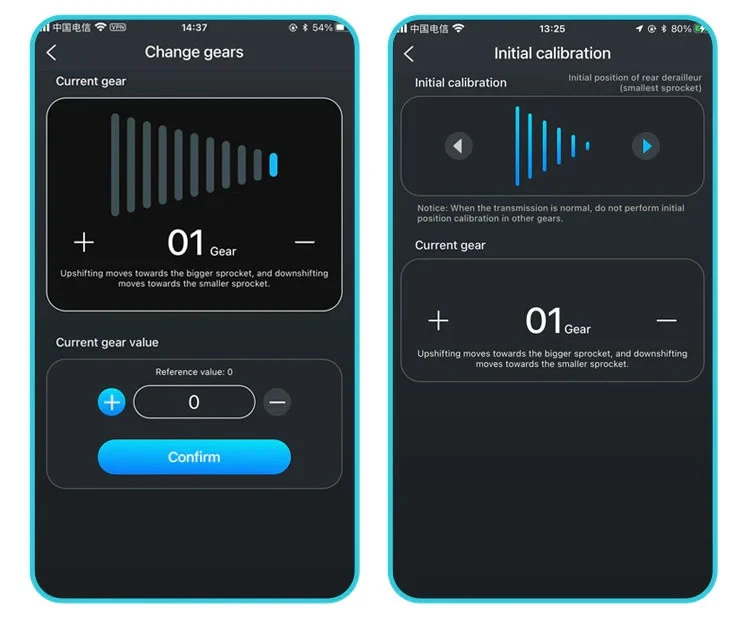
After installation, pair all components to the WHEELTOP app over BLE, assign button functions, and run gear calibration. The app is free on iOS and Android.
Thank you for visiting our listing. If you have any questions before purchasing, please send us a message through eBay and we'll respond within 24 hours.


Charles Ouimet
WHEELTOP EDS TT Electronic Groupset First Impression: Budget Triathlon Build Review
I tested the upcoming WHEELTOP EDS TT wireless electronic groupset on my Felt AR Ironman 70.3 bike build in Quebec. Priced under $1,000 USD, it featur…

WheelTop
WHEELTOP EDS TT Series Official Guide: Complete Installation and System Setup Tutorial
I demonstrated the full process of installing the EDS TT system from scratch. From the crucial wireless pairing to the precise hardware installation o…

henrychungfitness
Wheeltop EDS TT Wireless Groupset: The Ultimate Game Changer for Triathlon & TT Bikes?
This video provides an in-depth first look at the new Wheeltop EDS TT Wireless Groupset. The review covers the unboxing, the wireless installation pro…
Is there a digital manual for the WHEELTOP electronic groupset?
EDS TX — Road
📄EN TX-Manual-3.0.1
📄PT TX-Manual-3.0.1
📄ES TX-Manual-3.0.1
📄FR TX-Manual-3.0.0
EDS OX 2.0 — Mountain
📄EN OXM-Manual-3.0.1
📄FR OXM-Manual-3.0.0
📄ES OXM-Manual-1.0.8
EDS GeX — Gravel
📄EN GeX-Manual-3.0.0
📄FR GeX-Manual-1.0.1
EDS TT — Time Trial
📄EN TT-Manual-1.0.5
How to pair the app?
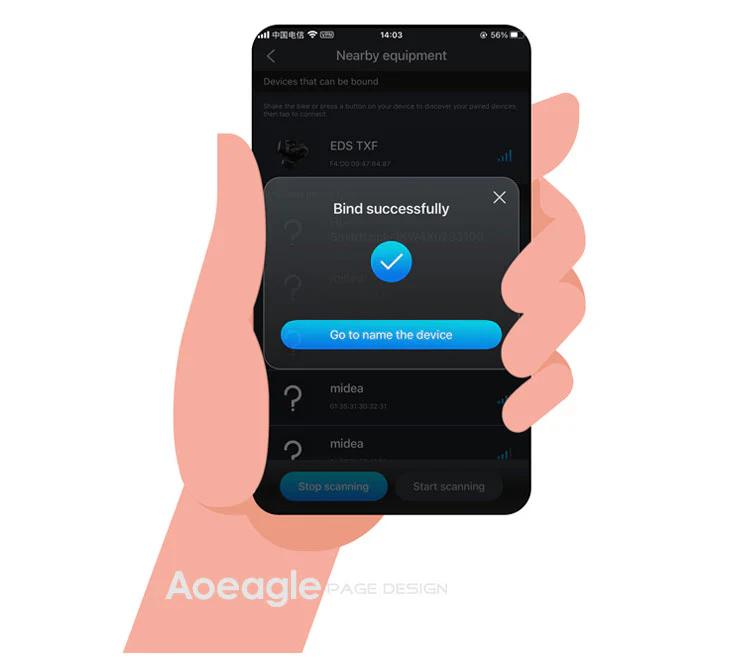
On the home page, click the [Add Device] button. The APP will automatically navigate to the nearby devices list page. Locate your device's MAC address, then click to add and bind it. After successful binding, you will need to name the device.
Step 1: Click the Add button on the home page Step 2: Turn on your phone’s Bluetooth to search for nearby devices
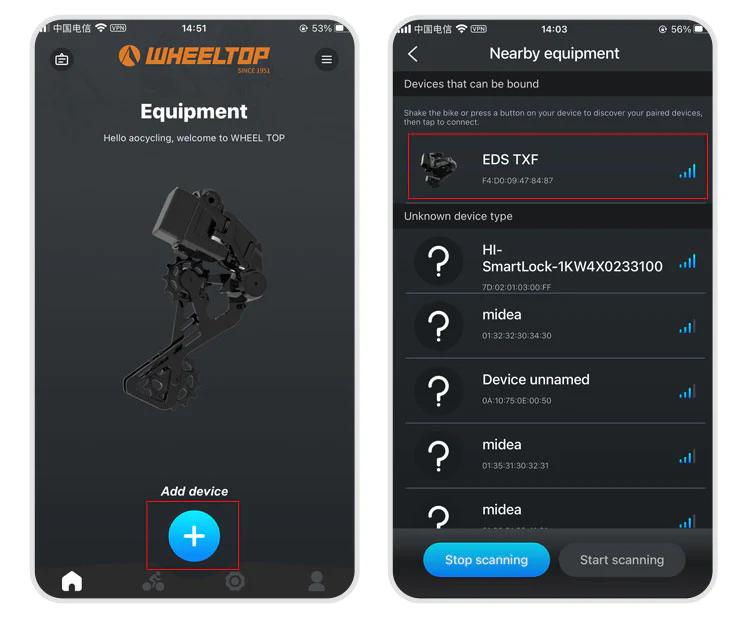
Step 3: Select nearby bindable devices to add Step 4: Name the device
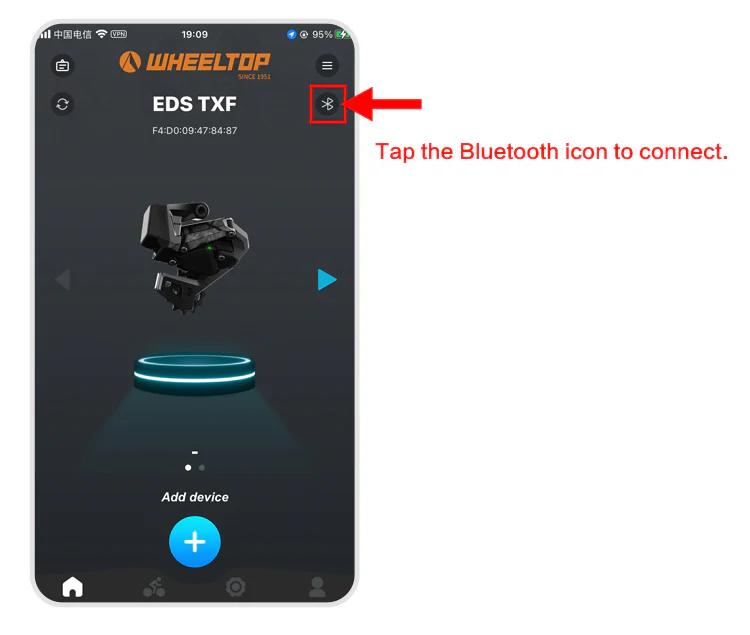
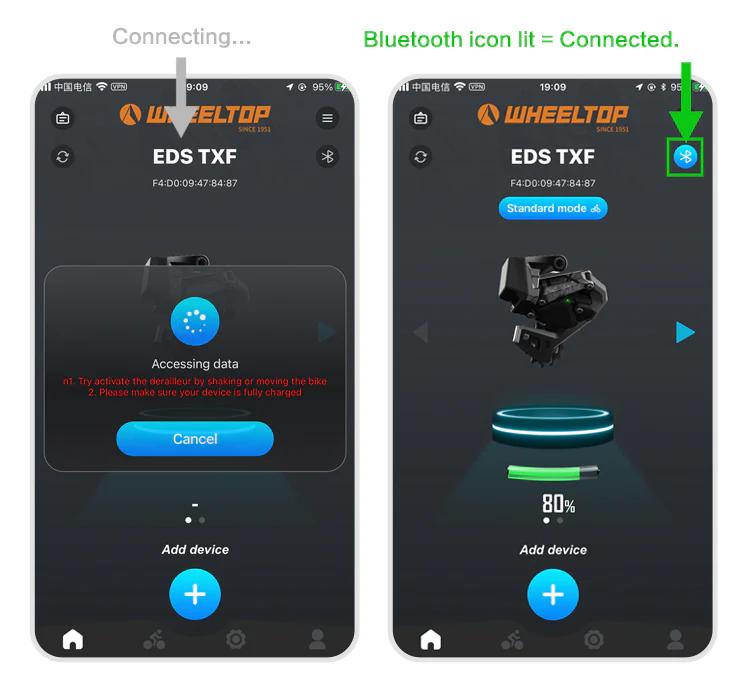
One last thing — and this is where a lot of users get stuck.
To connect, you need to tap the Bluetooth icon in the app. Before doing so, make sure the derailleur hasn't gone into sleep mode. If it has, just give the derailleur a tap or shake the bike to wake it up. Once the connection is successful, the Bluetooth icon will light up — and you're all set to start adjusting your derailleur.
How to download and register the WHEELTOP app?
WHEELTOP APP download:


After successful registration, log in to the app.
You can also download the APK file directly: APK Download Link
For first-time use, please register with your email.
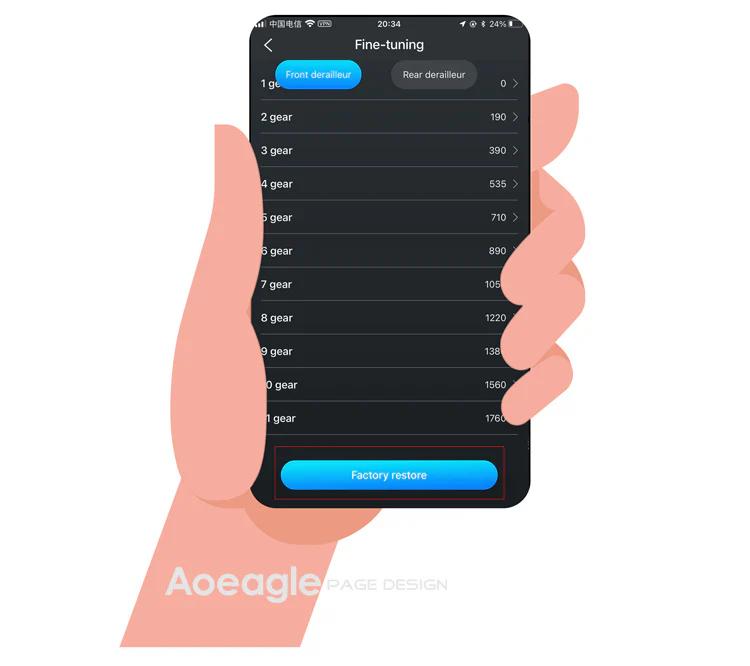
How to perform a factory restore?
It works like a factory reset for gear values. Use it when gear values have been misadjusted to restore the preset values.
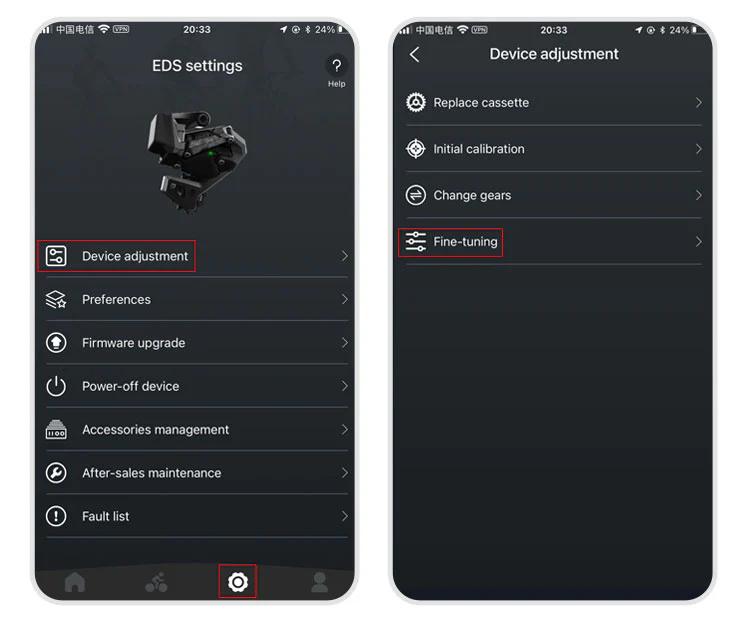
Path: APP → Settings → Device-adjustment → Fine-tuning → "Factory-restore" button at the bottom.